Place-to-Place Copy
Copy any public Roblox place into a universe you own. Scripts, assets, and metadata preserved.
Mirror your experience into a backup slot. Snapshot the current game state, carry progress between accounts, and keep a copy of every place that matters — all from one panel inside your browser.
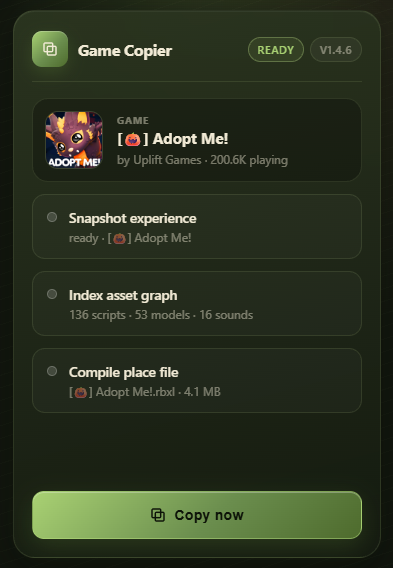
Built for Roblox creators and alt-runners who outgrow one account. Clean, fast, powered by the Roblox API.
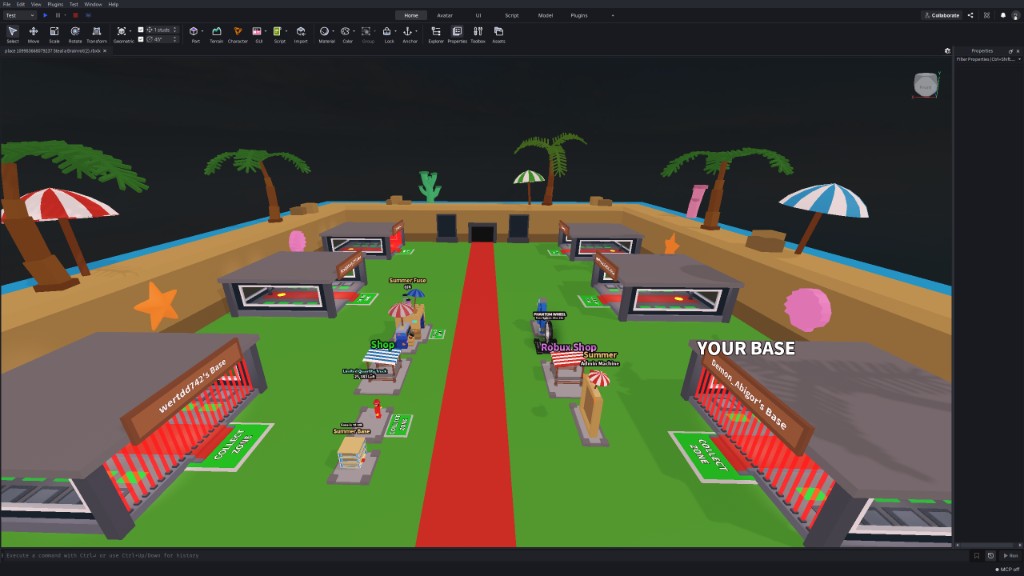
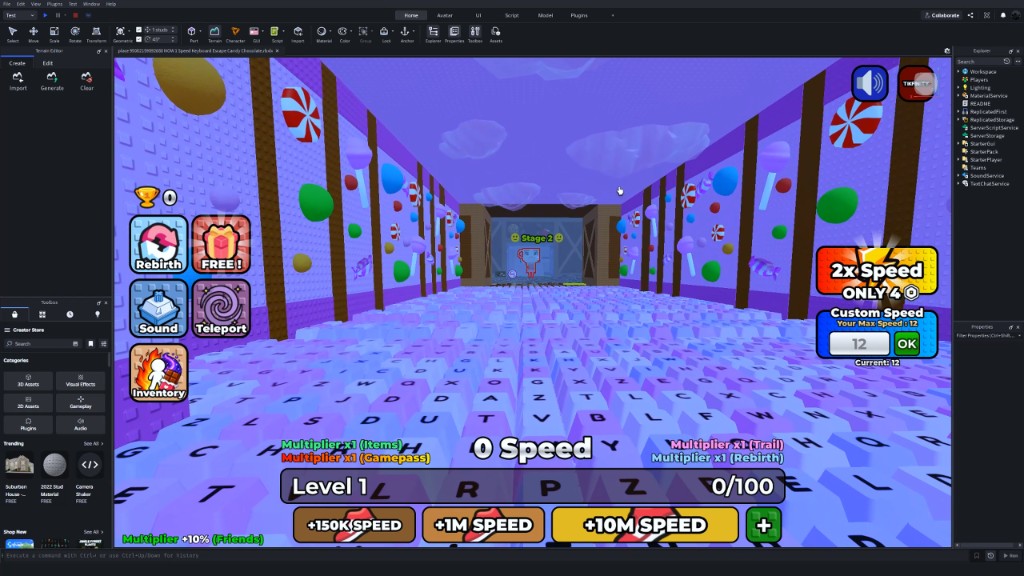
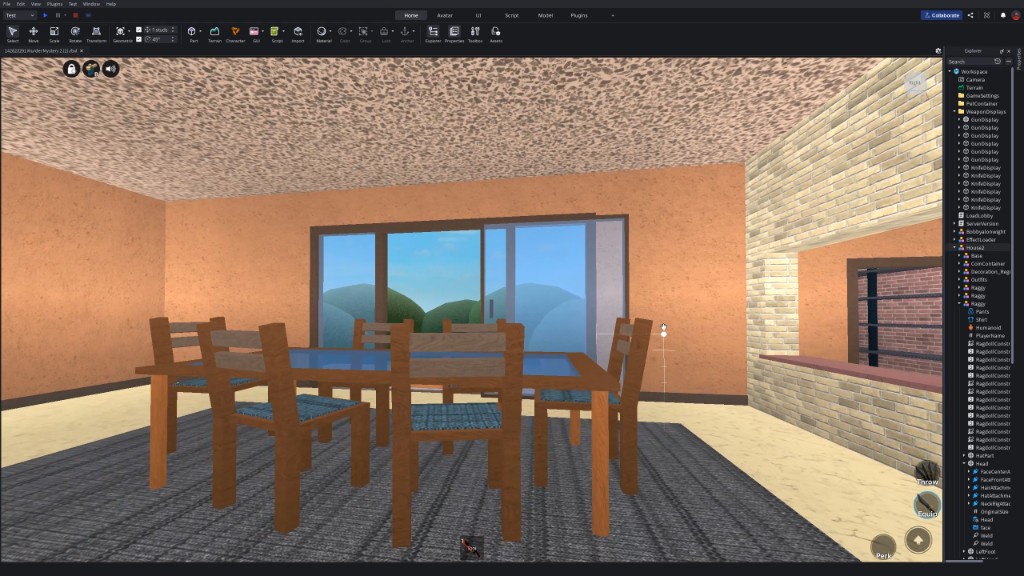
Copy any public Roblox place into a universe you own. Scripts, assets, and metadata preserved.
Freeze your current state — robux balance, inventory, friends — and restore it on any linked account.
Queue a list of places and move them in one run. The copier handles retries and rate-limits for you.
The extension only activates on roblox.com pages. No background scanning, no cross-site tracking.
Every copy is logged locally with timestamps and source/target IDs so you can rebuild your trail.
Cookies, tokens, and copy logs stay in Chrome storage. Nothing is uploaded anywhere.
The copier talks to the Roblox web API directly from your browser. You never leave the tab.
Grab any Roblox place link, drop it into the extension, and the panel reads name, universe, and asset count.
Choose one of your own universes as the destination slot. The copier will overwrite or append — your call.
Hit the button, watch the progress steps light up, and open the new place in Studio when it finishes.
Everything you'd want to check before installing.
Join creators and account managers who use Game Copier to move Roblox content safely between slots.
Install in seconds — drag the ZIP onto Chrome:
chrome://extensions